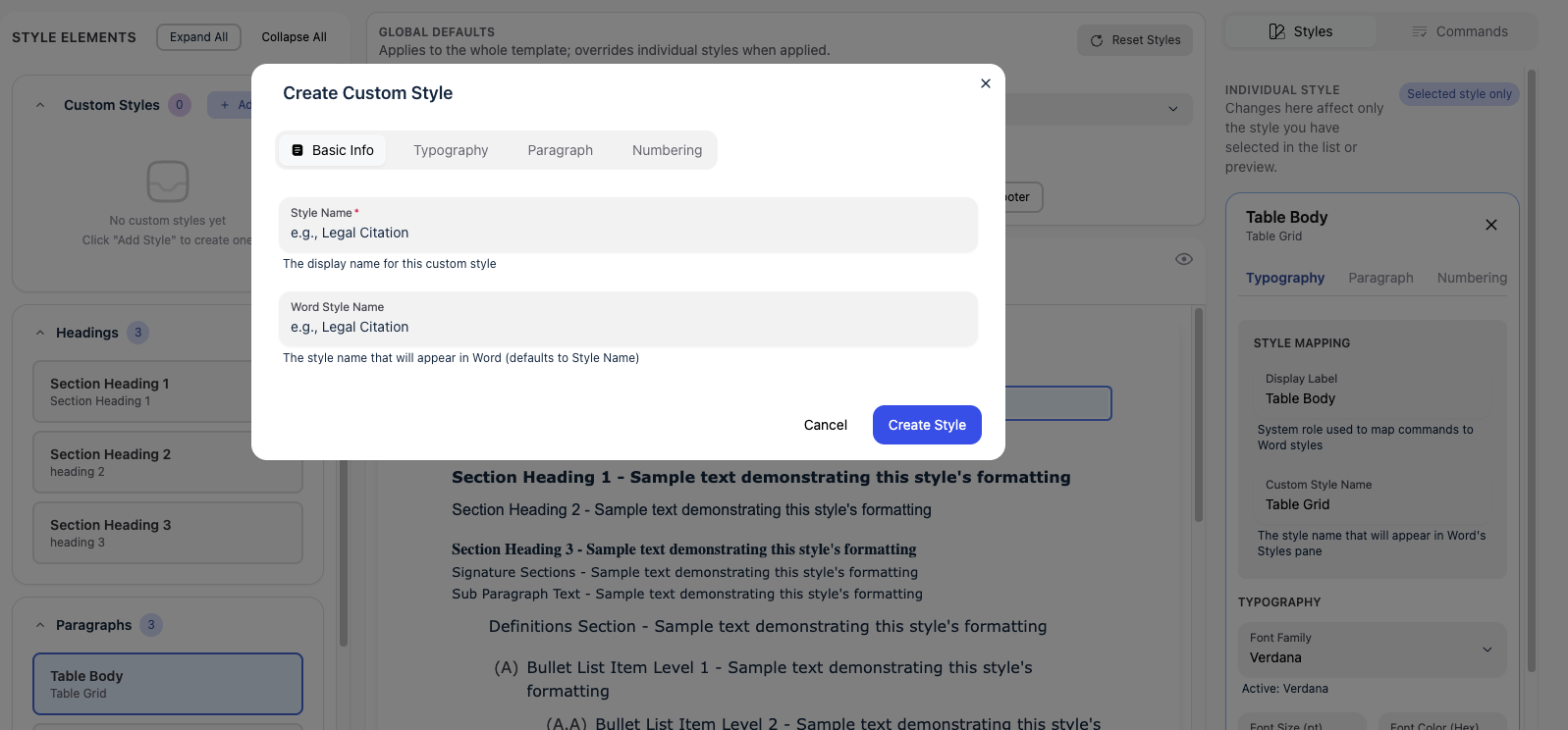
Take template customization to the next level by creating brand new custom styles tailored to your specific formatting requirements. No longer limited to editing existing styles - now you can build entirely new ones with full control over every property.
Key Features:
- Create unlimited custom paragraph styles with unique names
- Full typography control: font family, size, bold, italic, underline, and color
- Configure paragraph spacing, indentation, and hanging indents
- Add custom numbering patterns with hierarchical support (1.1.a, i.1), etc.)
- Edit and delete custom styles with a single click
- Custom styles automatically sync to your Word documents
How to Access:
Open any template in the Template Editor, then click the ‘+ Add Style’ button in the Custom Styles section of the style list.